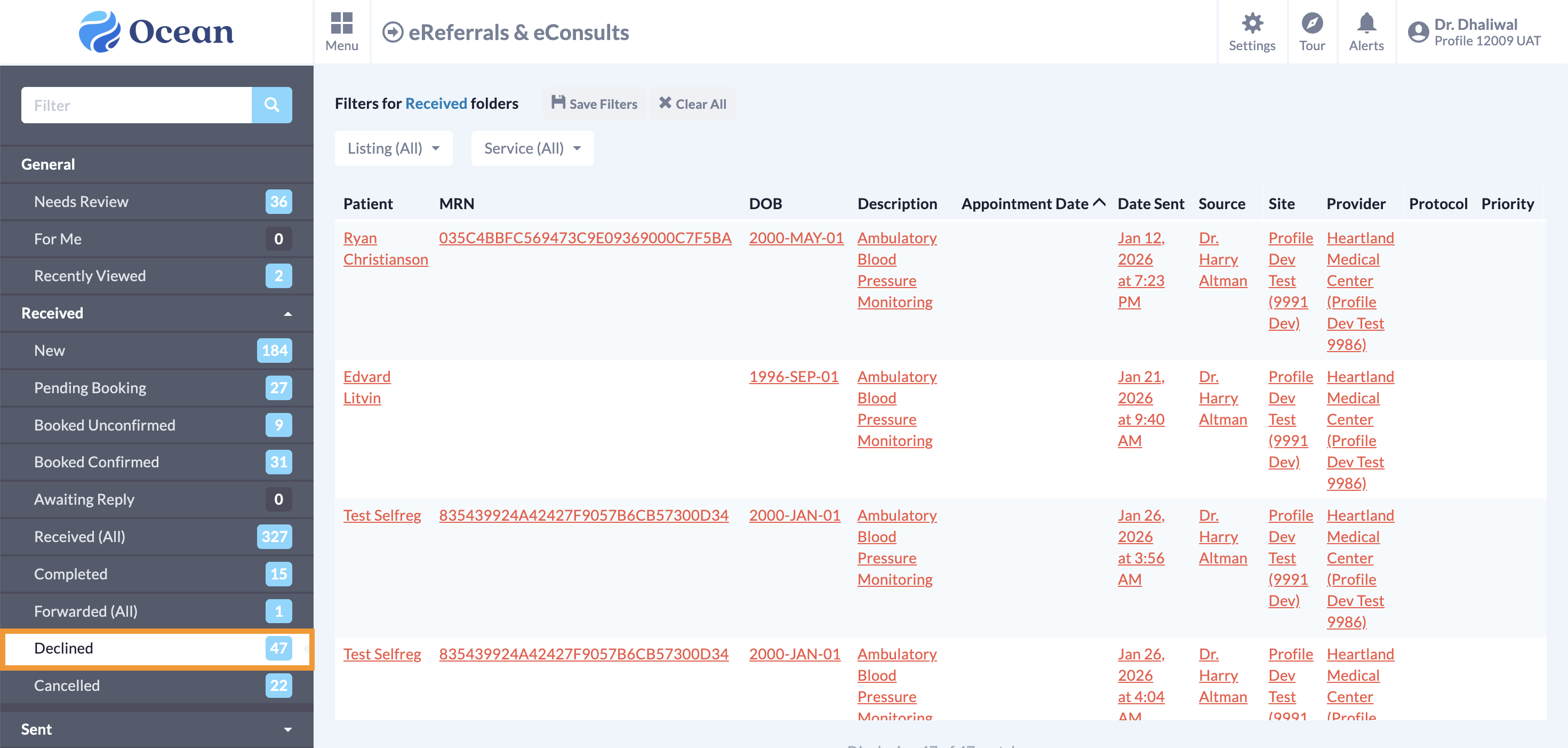
Learn how to accept, decline, and import eReferrals into your EMR.
Review the eReferral
After opening the eReferral in Profile, review its contents to gain a more detailed understanding of the referral and ensure it contains the information you require.
Tip: If necessary, you can assign the referral to be reviewed by another user on your Ocean site for a secondary review.
-
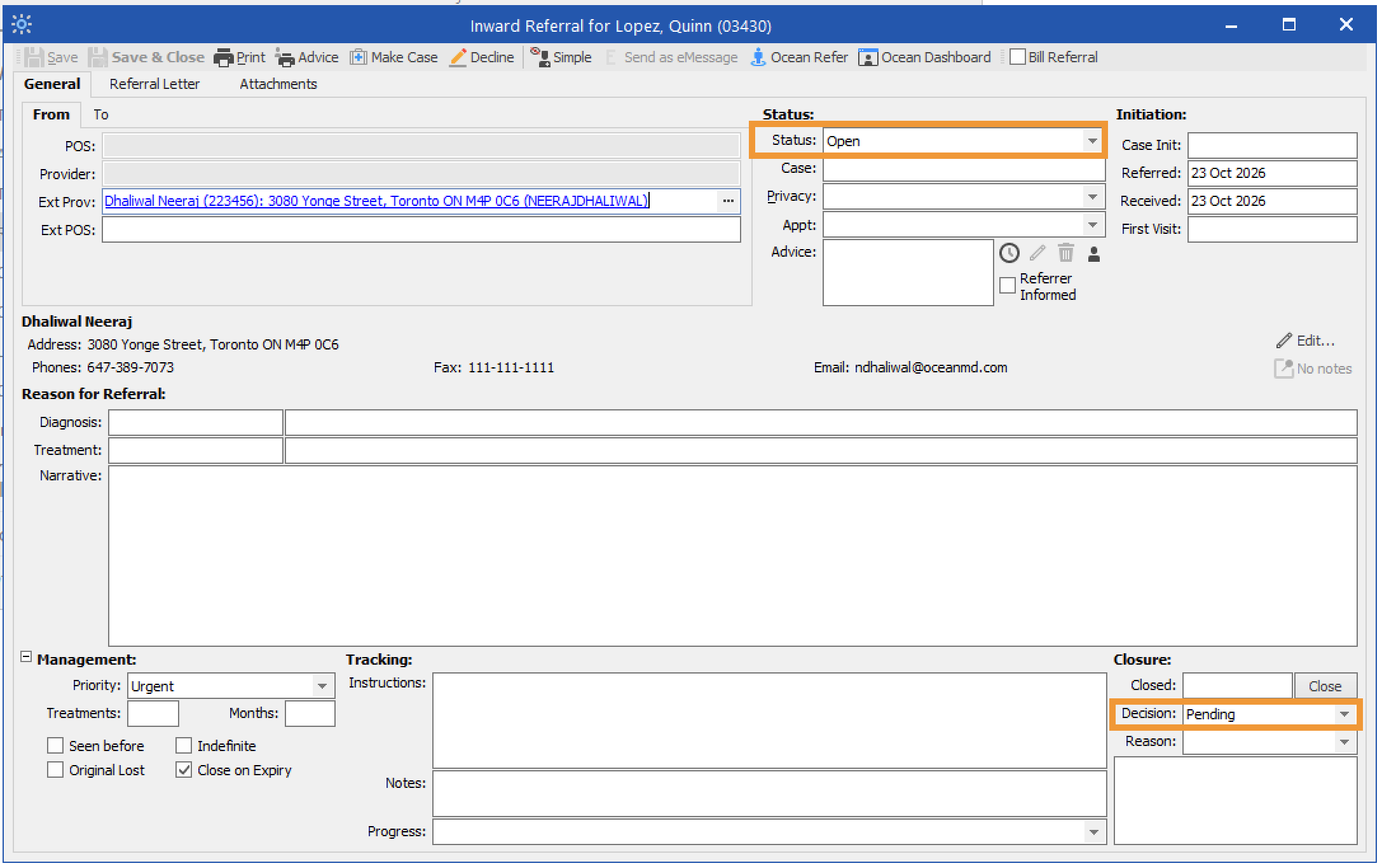
Open the eReferral in Profile. The General tab contains information about the referral's status and decision.
Status: Shows whether the eReferral is Open or Closed. A referral is closed once it reaches a terminal state, such as declined, cancelled, or completed.
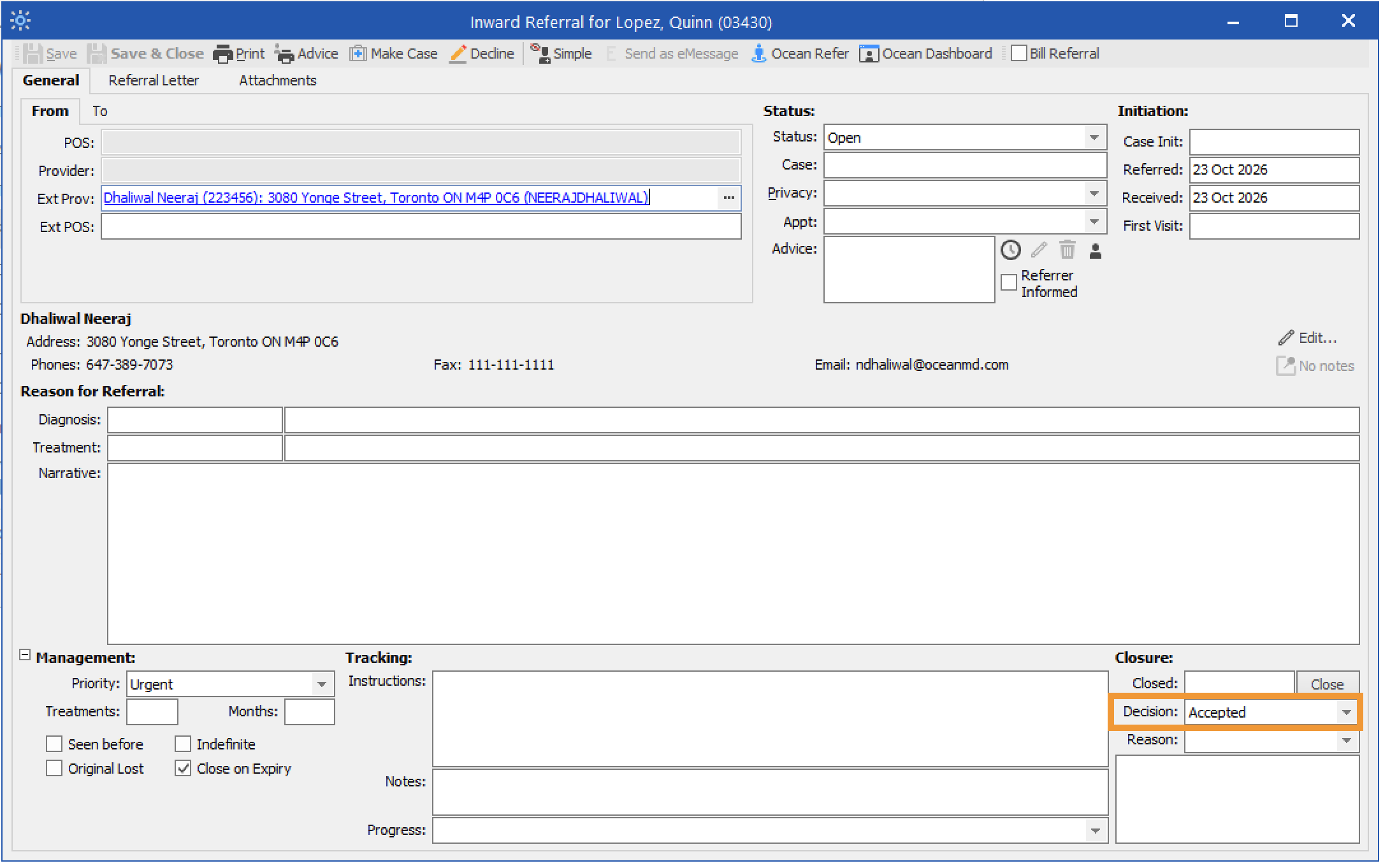
Decision: Shows whether the eReferral is awaiting acceptance, has been accepted, or has been declined.
- Pending: Corresponds to the Awaiting Response status folder in the Ocean Portal.
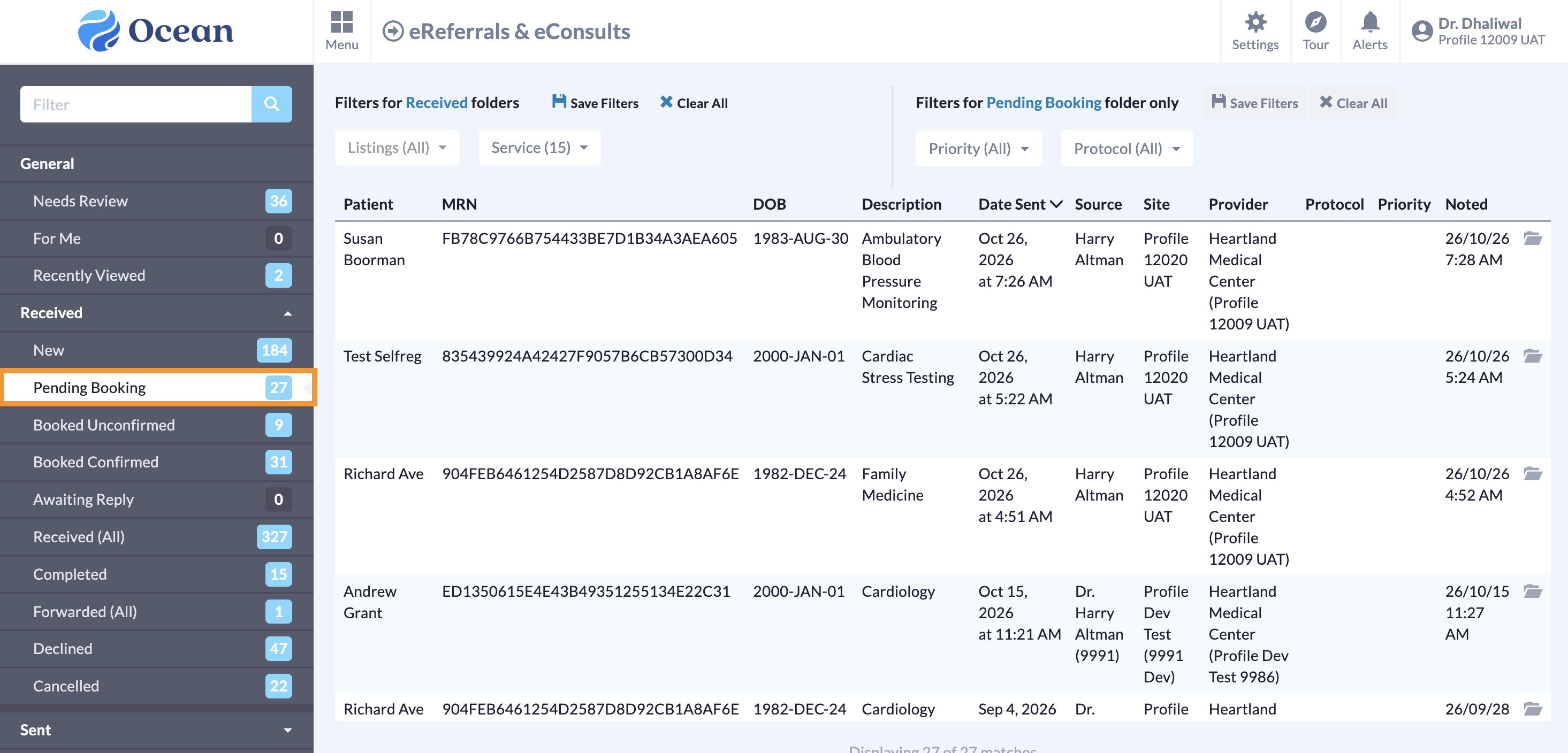
- Accepted: Corresponds to the Pending Booking, Booked Unconfirmed, or Booked Confirmed status folders in the Ocean Portal.
- Declined: Corresponds to the Declined status folder in the Ocean Portal.
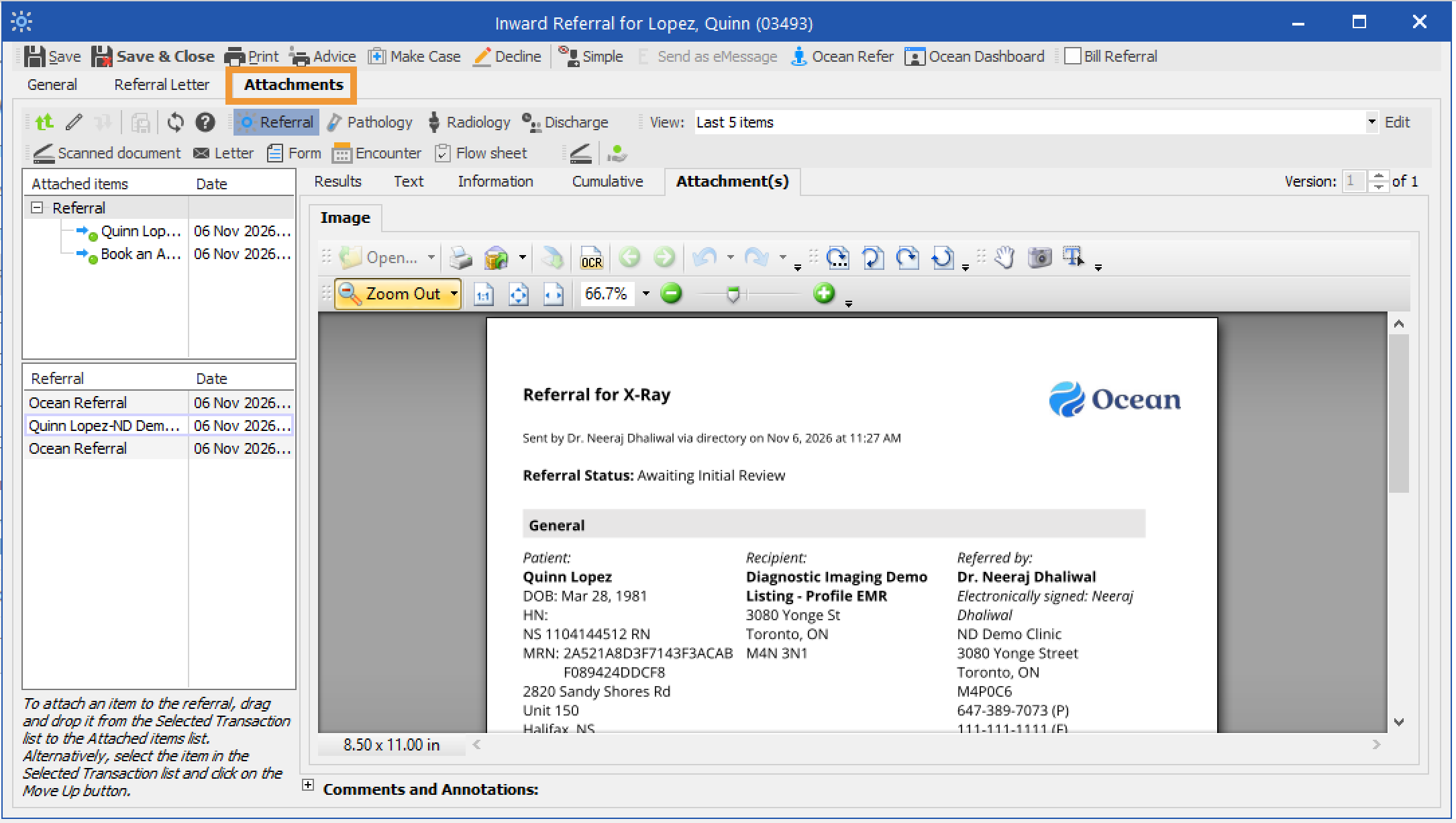
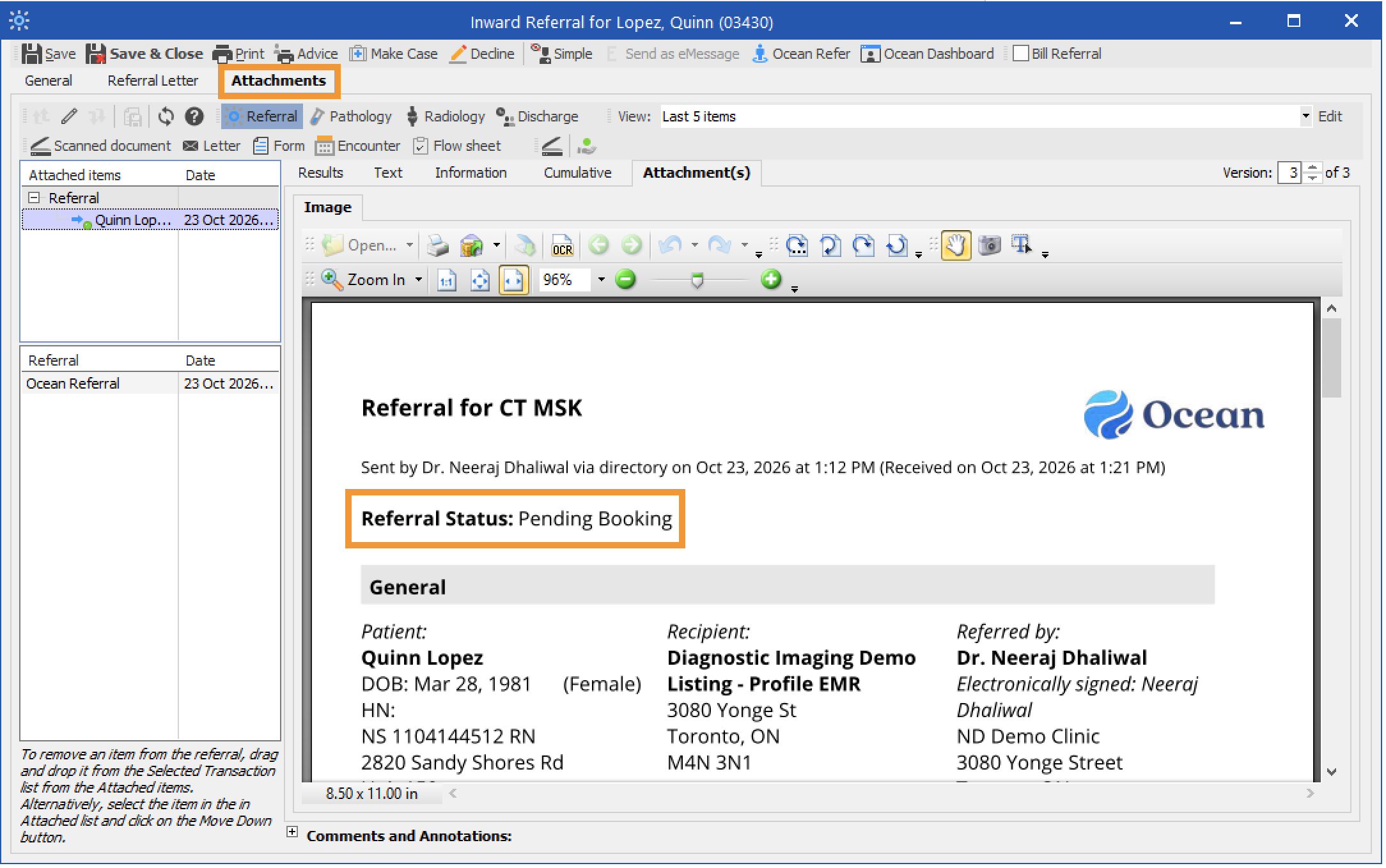
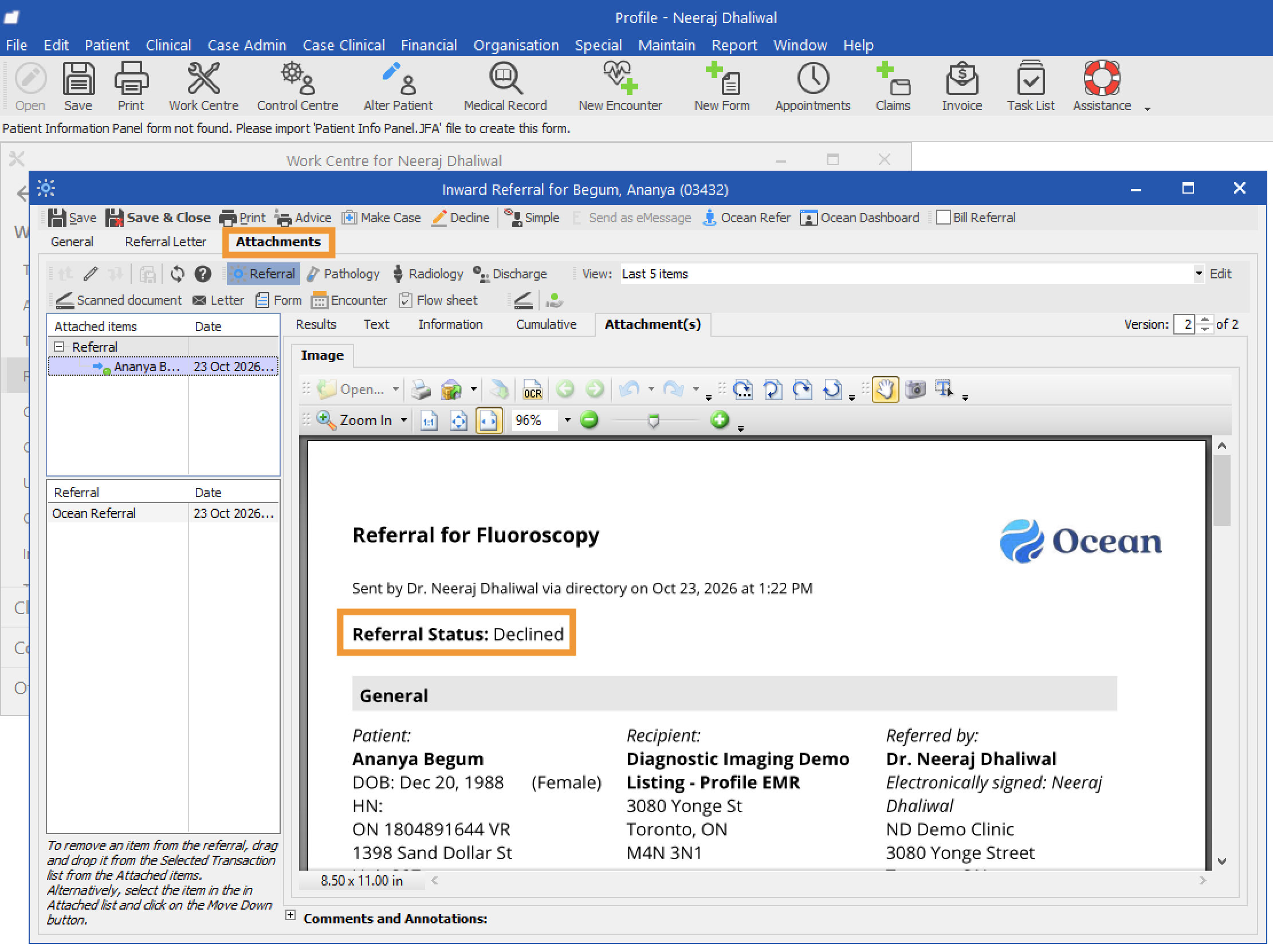
- Under Attachments, the referral record PDF will contain details about the referral, including patient information, the referral form summary, notes, messages, and attachments.
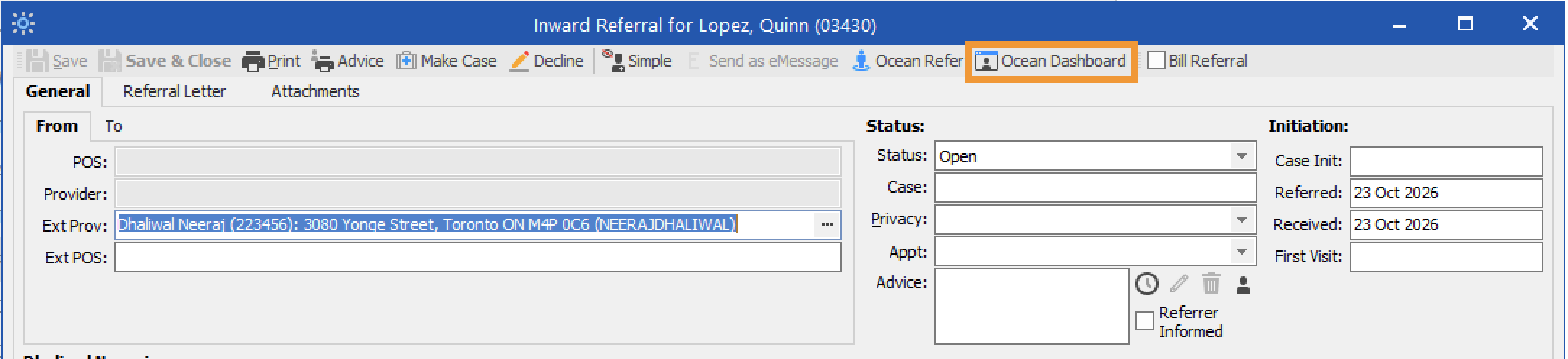
- Alternatively, click the 'Ocean Dashboard' icon to view the eReferral in Ocean.
Accept or Decline the eReferral
- To accept the eReferral from Profile, update the 'Decision' to 'Accepted'.
- The referral record PDF under Attachments will be updated with the new status of the referral.
- In Ocean, the eReferral will be automatically moved to the Pending Booking status folder until an appointment is scheduled.
- To decline the eReferral from Profile, update the 'Decision' to 'Declined'. Use 'Reason' to indicate the reason for the declination, and use the text area beneath it to enter more information regarding the declination.
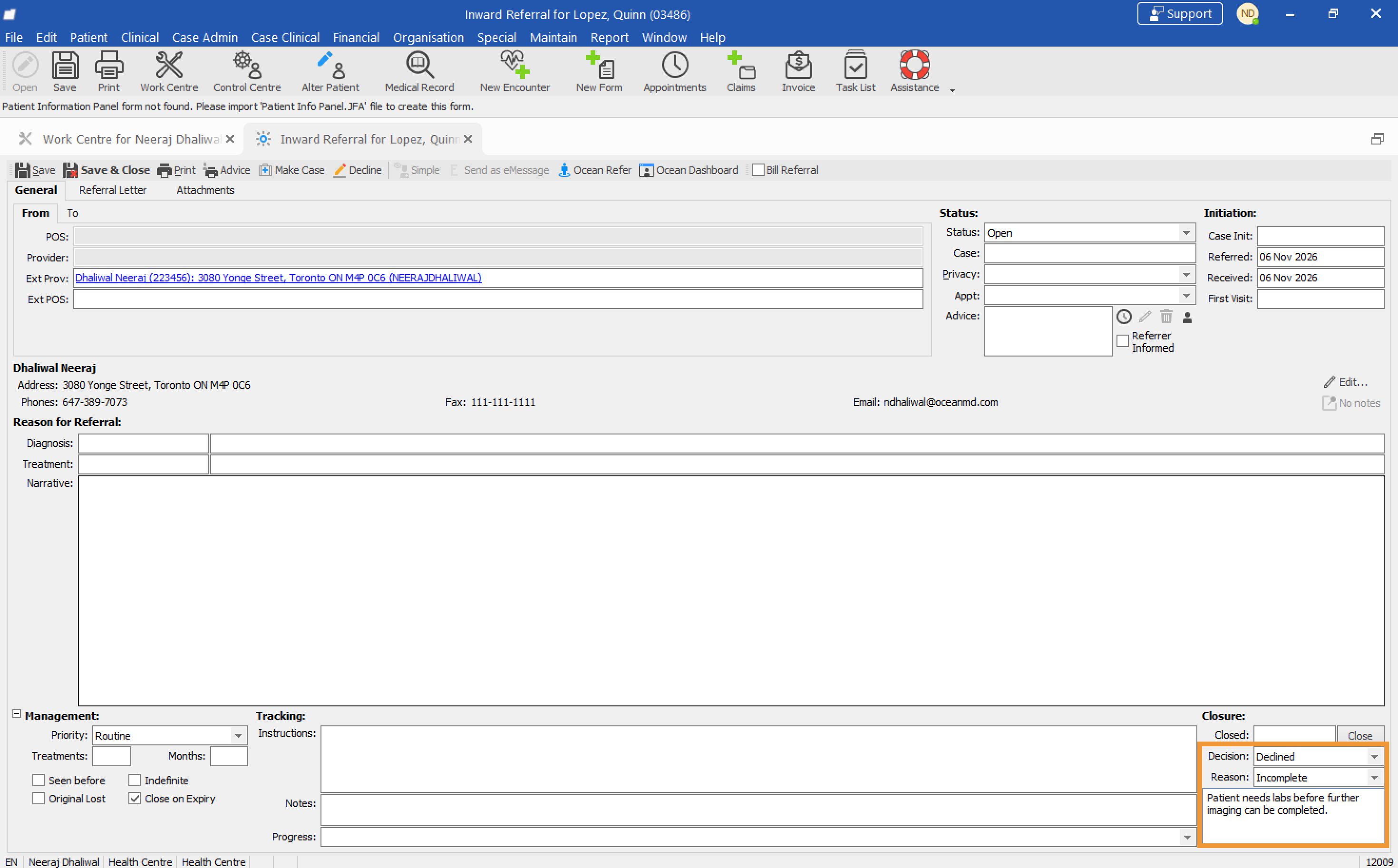
- The 'Status' will automatically update to 'Closed'.
- The referring provider will be notified of the declination.
- The referral record PDF under Attachments will be updated with the new declined status, along with the reason for the declination.
- In Ocean, the eReferral will be automatically moved to the Declined status folder.