
You can access the Ocean eReferral Network from the link in your FHIR-integrated EMR or directly from the Ocean Healthmap to initiate your referral.
With an Ocean account, you can initiate an Ocean eReferral at any time directly from the Ocean Healthmap. If you are using an EMR that is integrated with Ocean using FHIR APIs, you can also initiate an eReferral at any time by following the steps below.
Initiate your eReferral (without an attachment)
- An eReferral can be initiated from the Medical Record or Work Centre in Profile.

From the Medical Record
- Open the patient’s Medical Record in Profile and select Referrals from the sidebar.
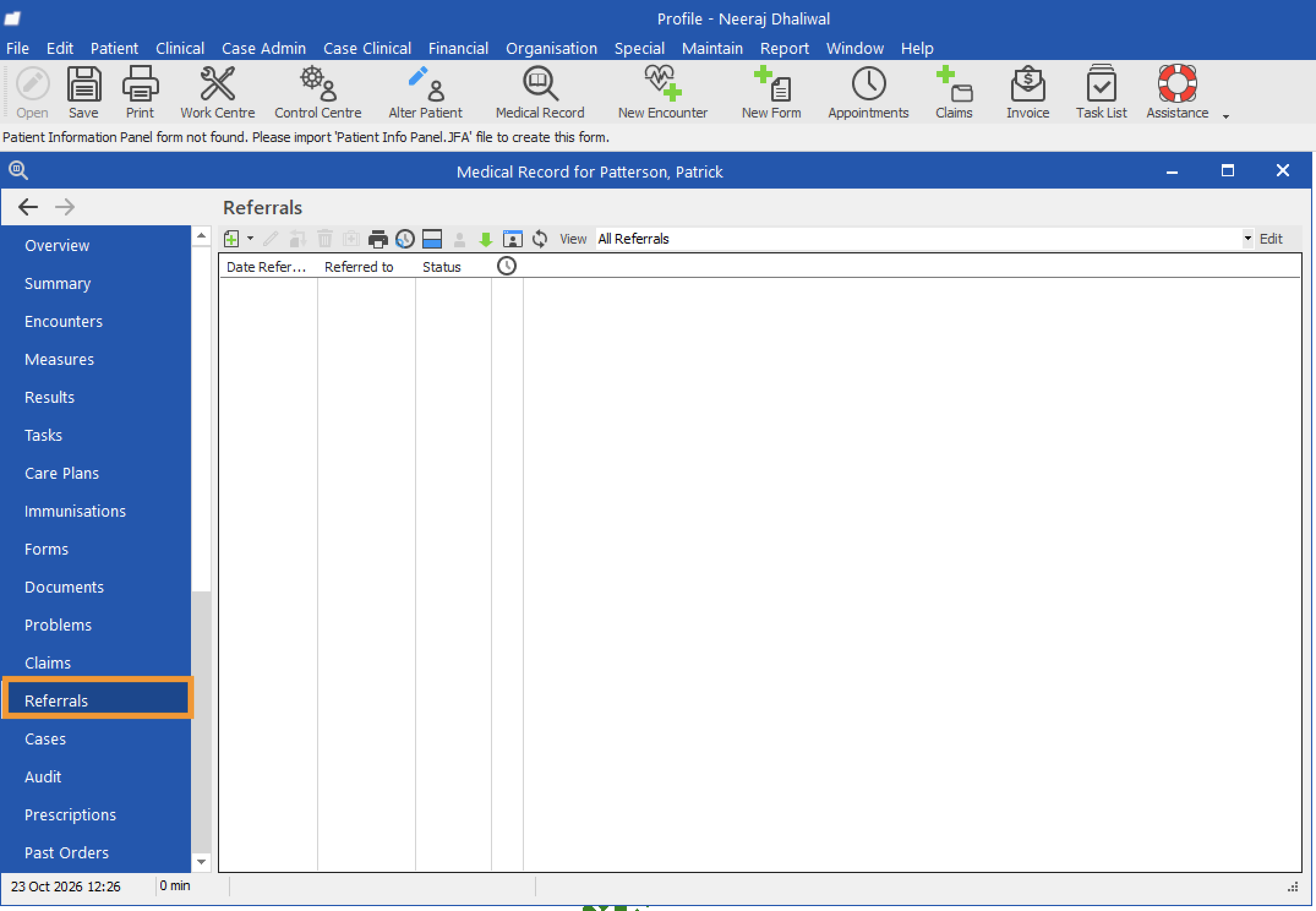
- Click the dropdown next to the plus (+) icon and select 'New Referral Out'.
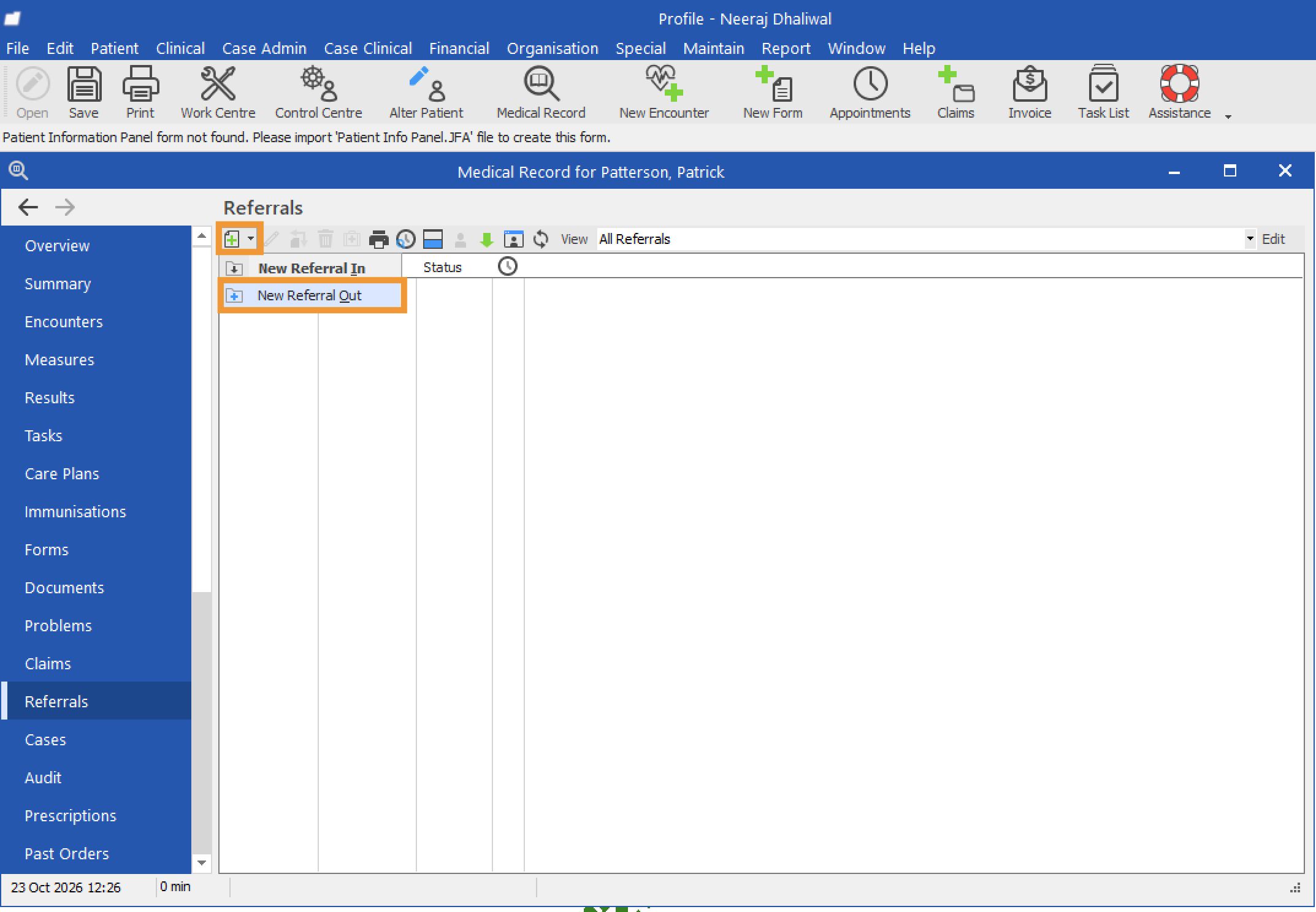
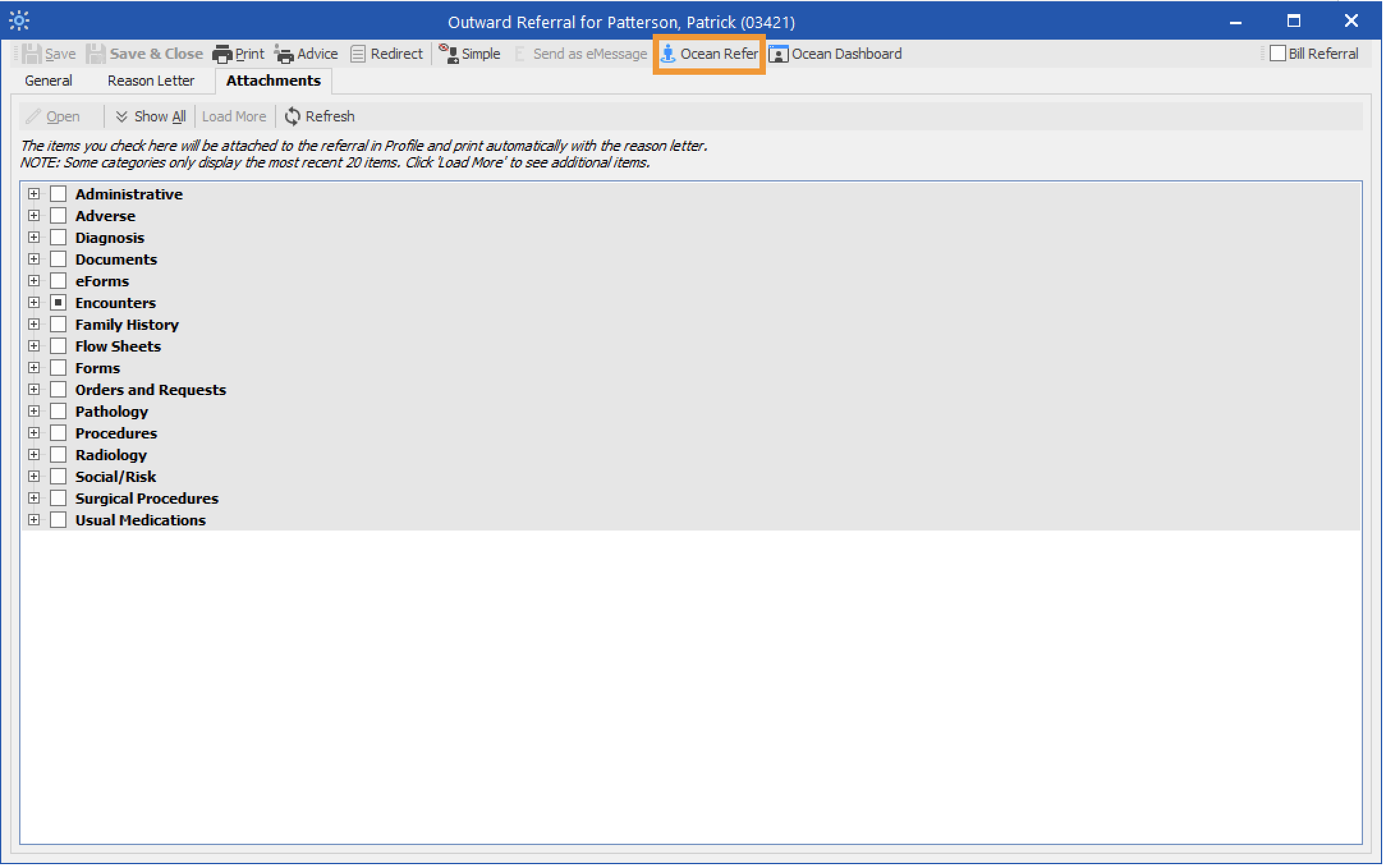
- Click 'Ocean Refer' to open the Ocean Healthmap.
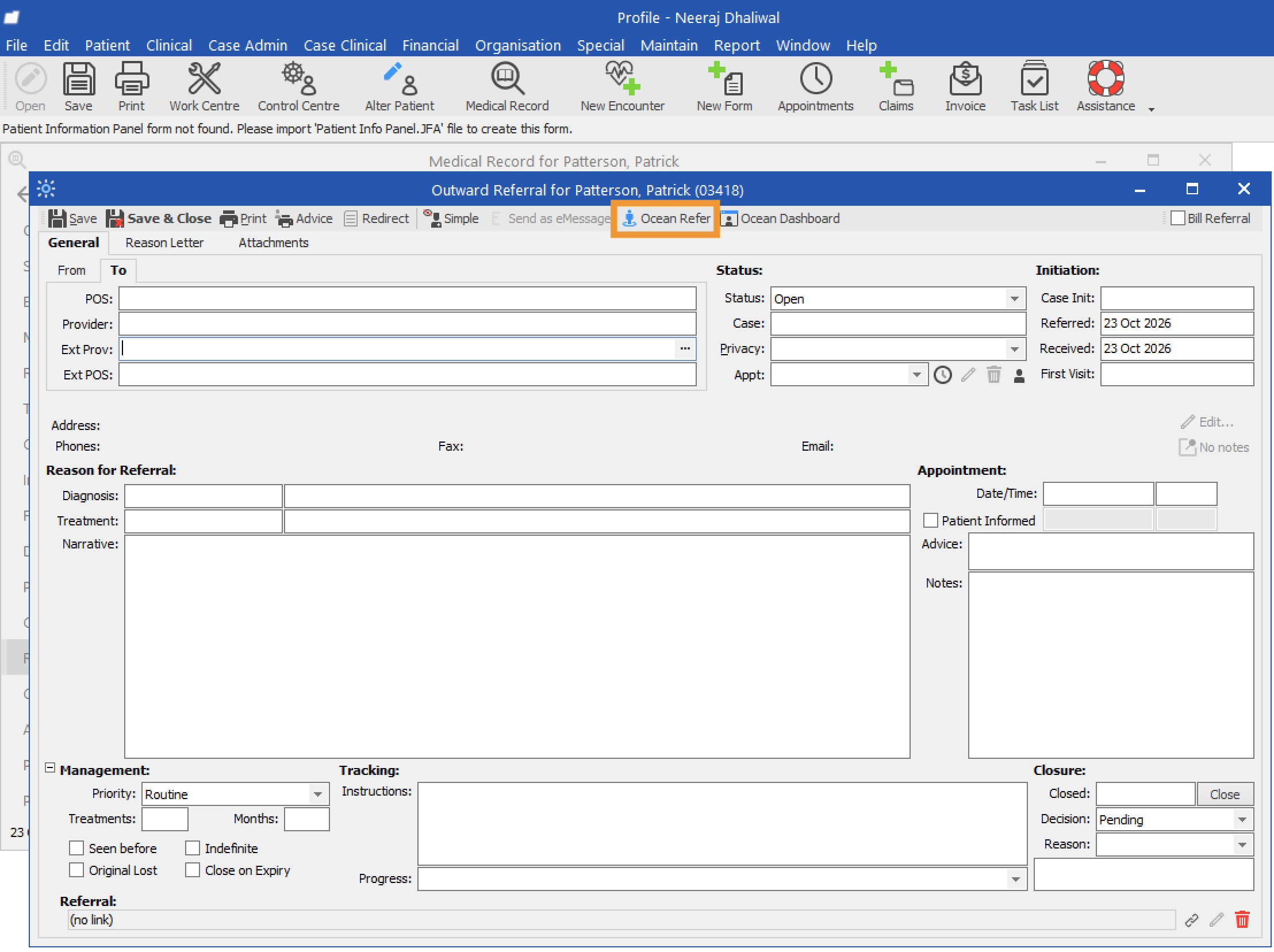
- If prompted, click 'Proceed with no Attachments' to continue initiating your eReferral without attachments.
From the Work Centre
- Open the Work Centre and select Referrals from the sidebar.
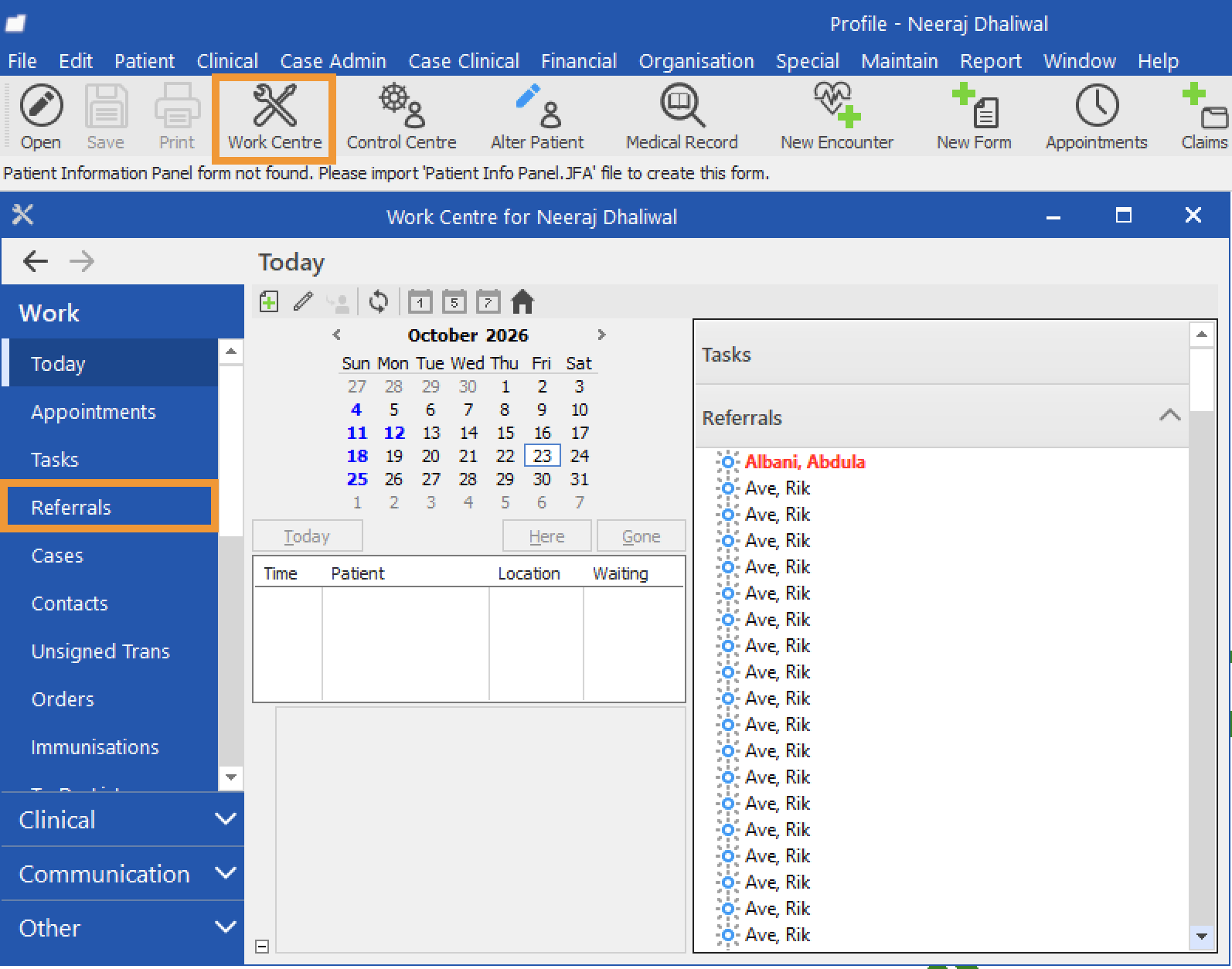
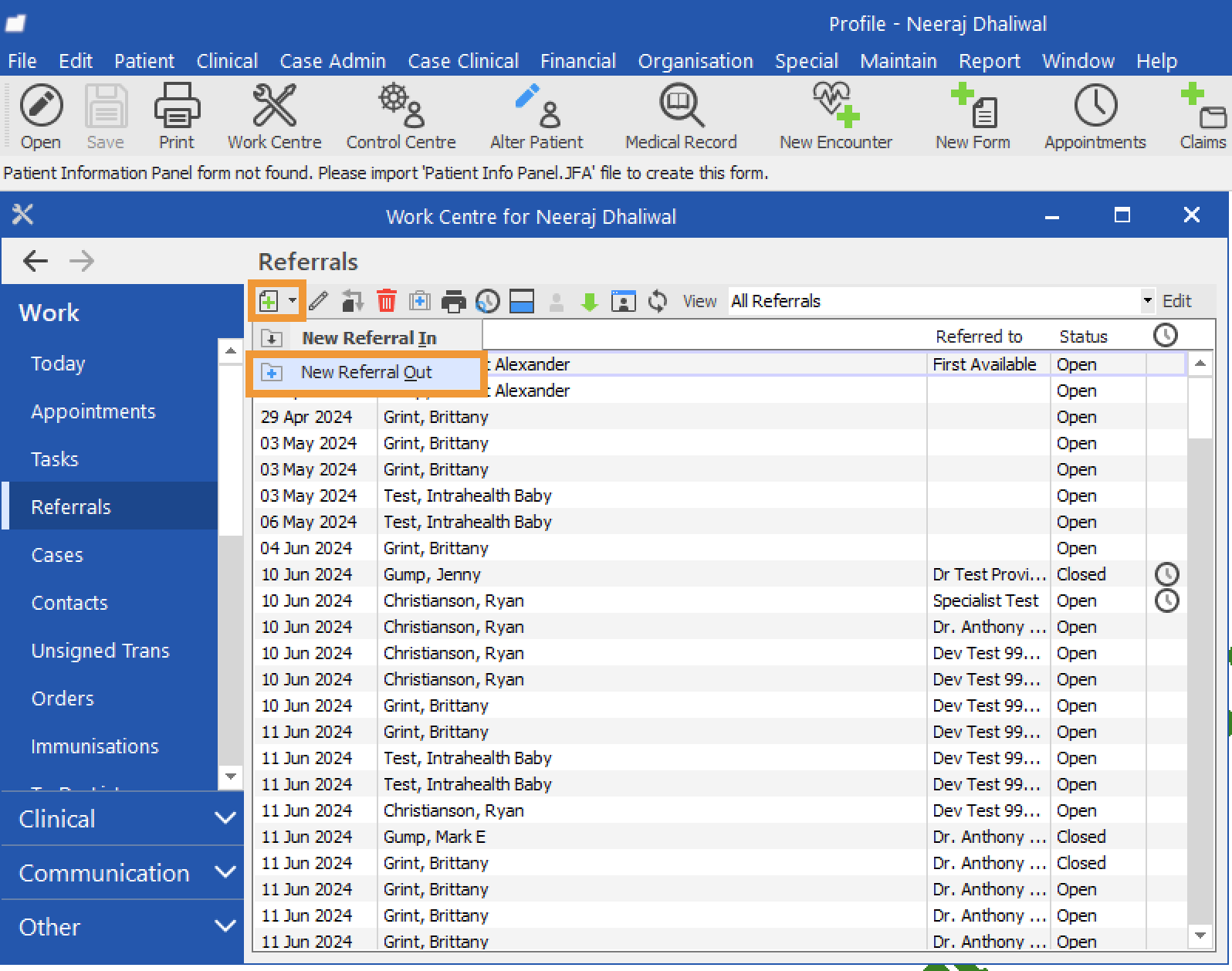
- Click the dropdown next to the plus (+) icon and select 'New Referral Out'.
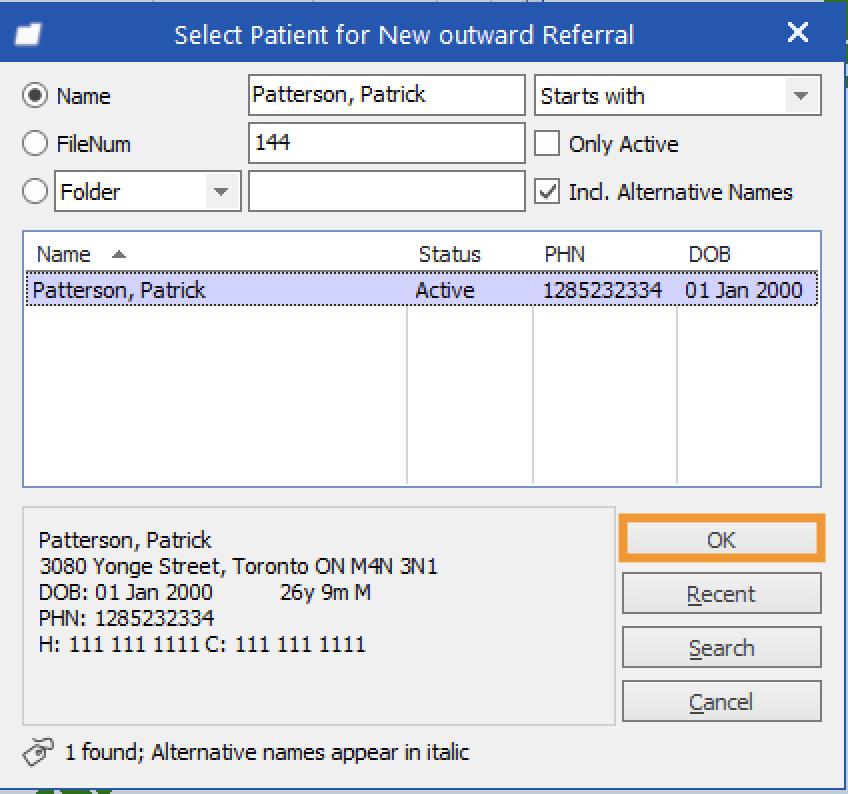
- In the Select Patient for New Outward Referral window, search for the patient, select the correct patient, and click 'OK'.
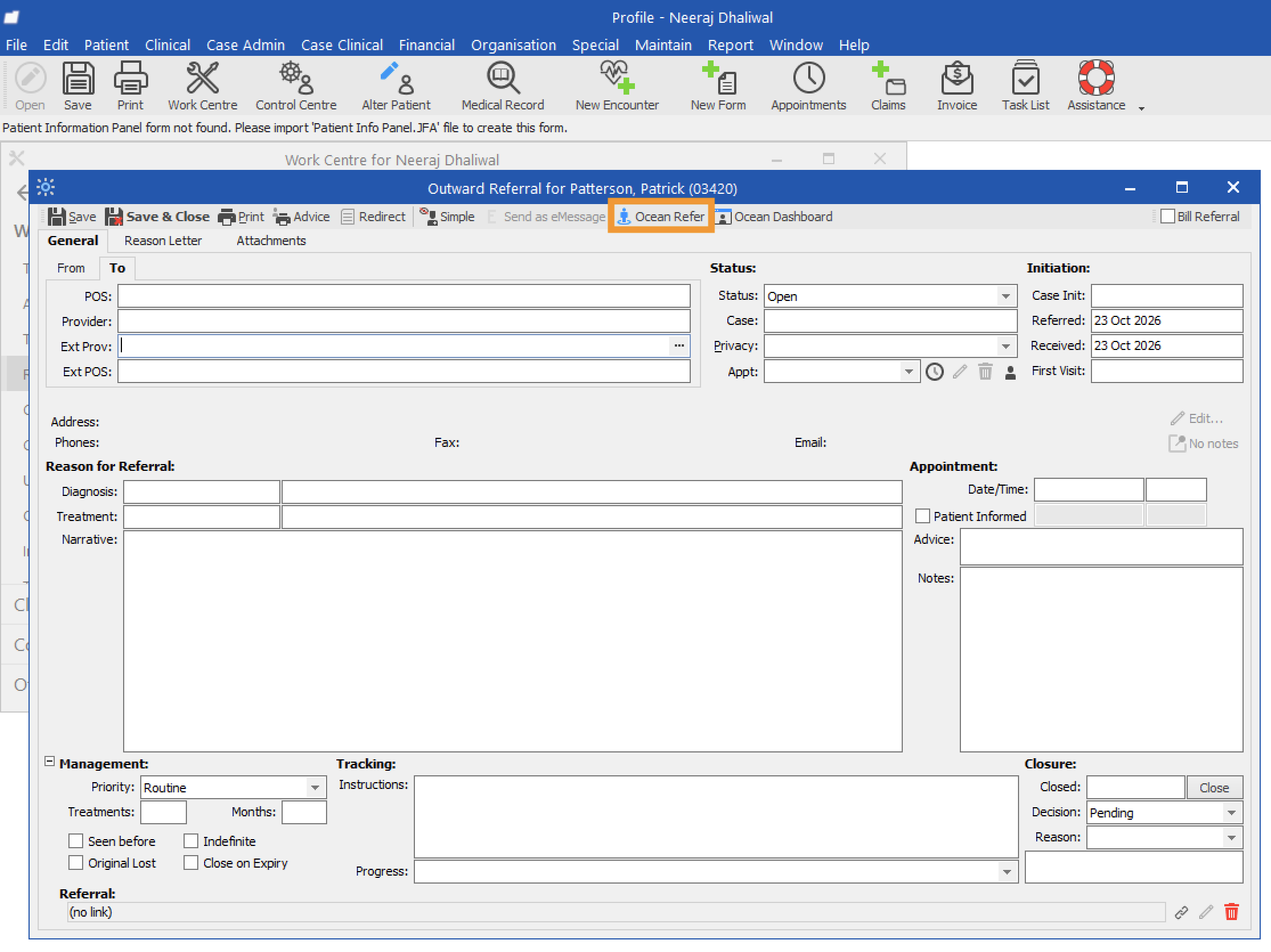
- Click 'Ocean Refer' to open the Ocean Healthmap.
- If prompted, click 'Proceed with no Attachments' to continue initiating your eReferral without attachments.
Initiate your eReferral (with an attachment)
- Open the patient’s Medical Record in Profile and select Referrals from the sidebar.
- Click the dropdown next to the plus (+) icon and select 'New Referral Out'.
- Select 'Attachments'.
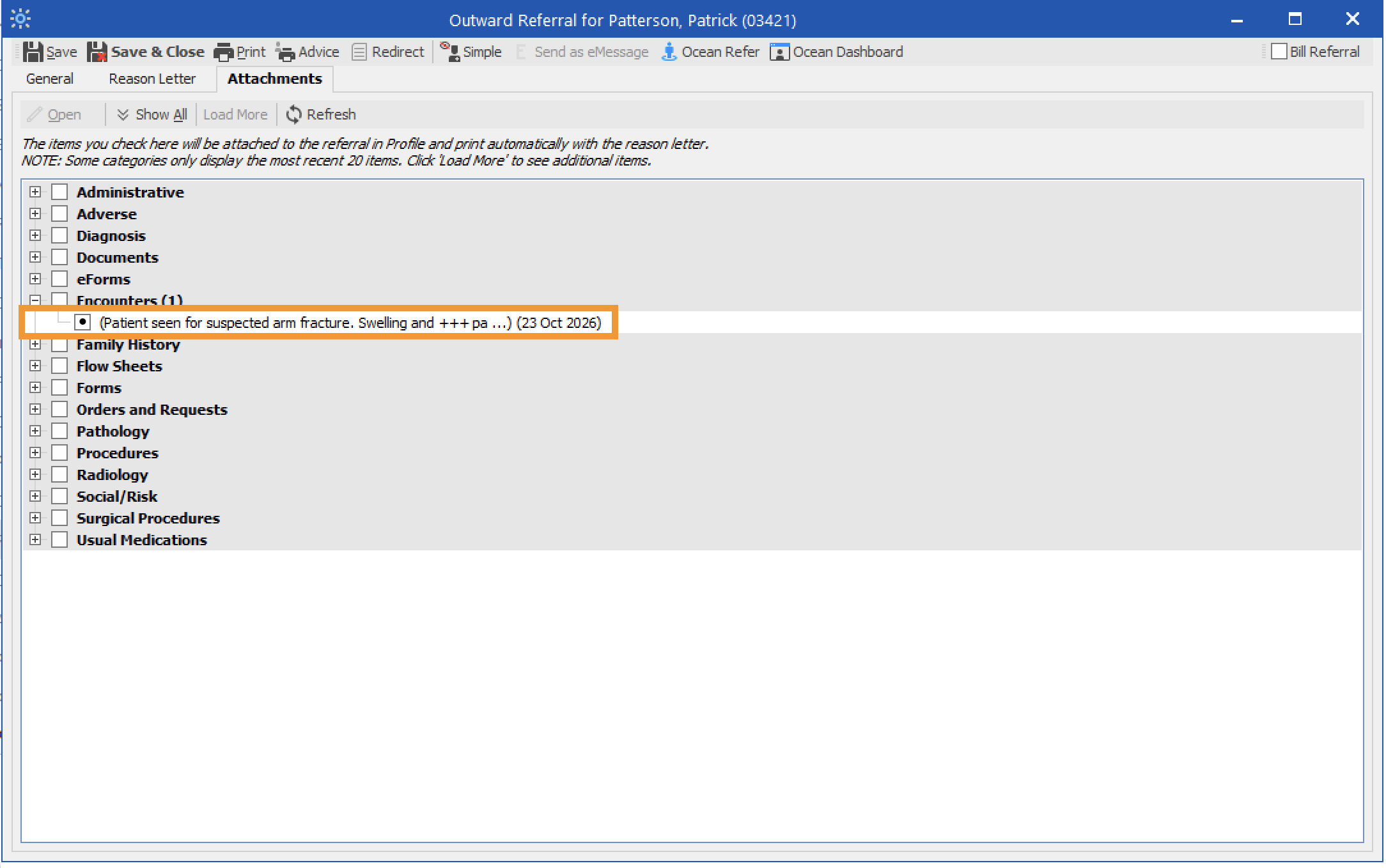
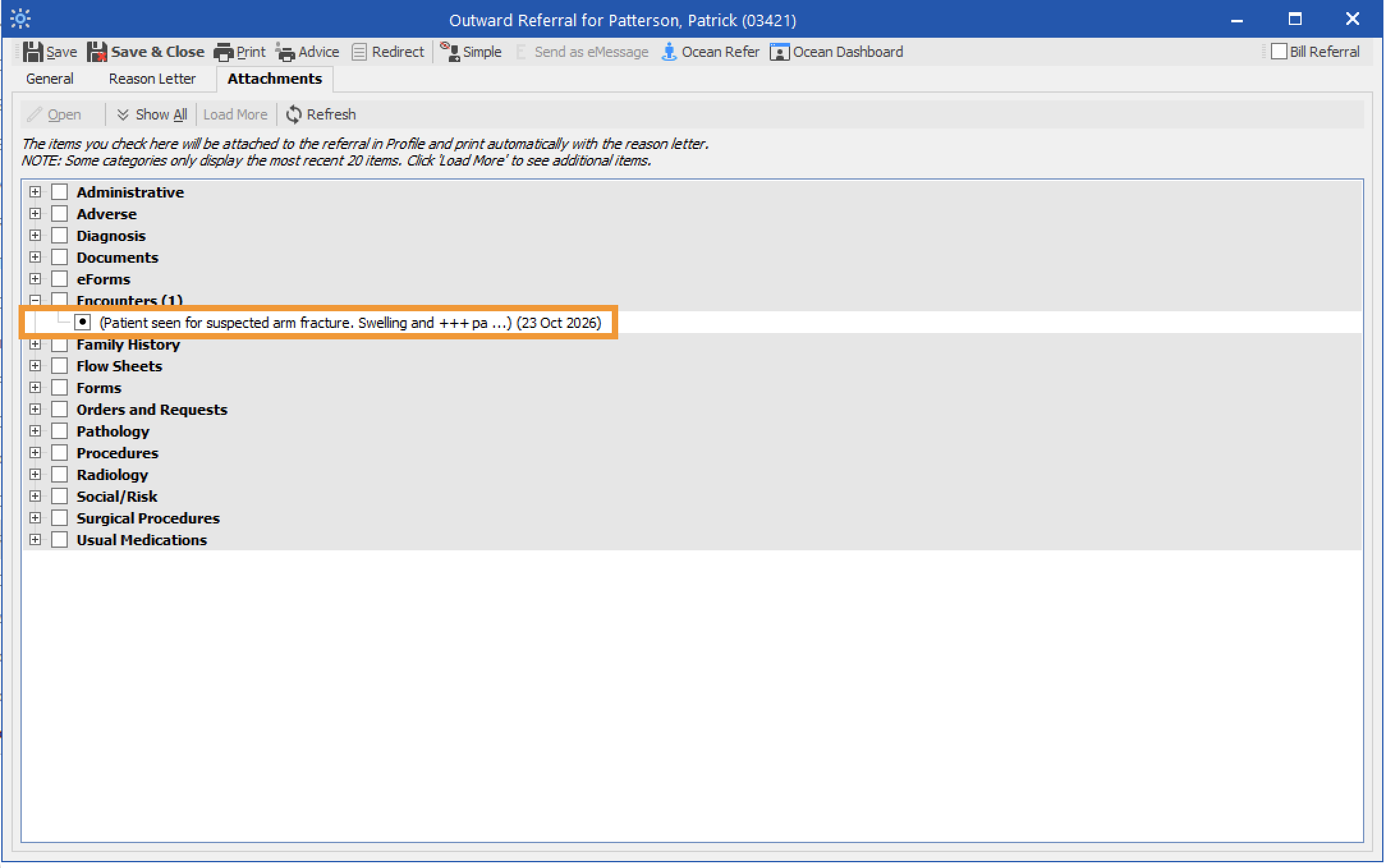
- Choose the items you want to include from the patient’s chart.
- Click 'Ocean Refer' to open the Ocean Healthmap.
- The EMR-specific actions above will take you directly to the Ocean Healthmap.

Note: Log in to the Ocean Healthmap with your Ocean user credentials if your user name does not appear in the top right so that your provider details are autopopulated in the eReferral.